
How to Take Stunning Photos with an iPad in 2024
Introduction
iPads have become versatile photography tools, blending portability with impressive features. Many users are drawn to the iPad for its large display and editing capabilities, which make it unique from traditional cameras and smartphones. This guide explores how to maximize the iPad’s potential to capture beautiful, professional-looking photos.
Getting to Know Your iPad Camera
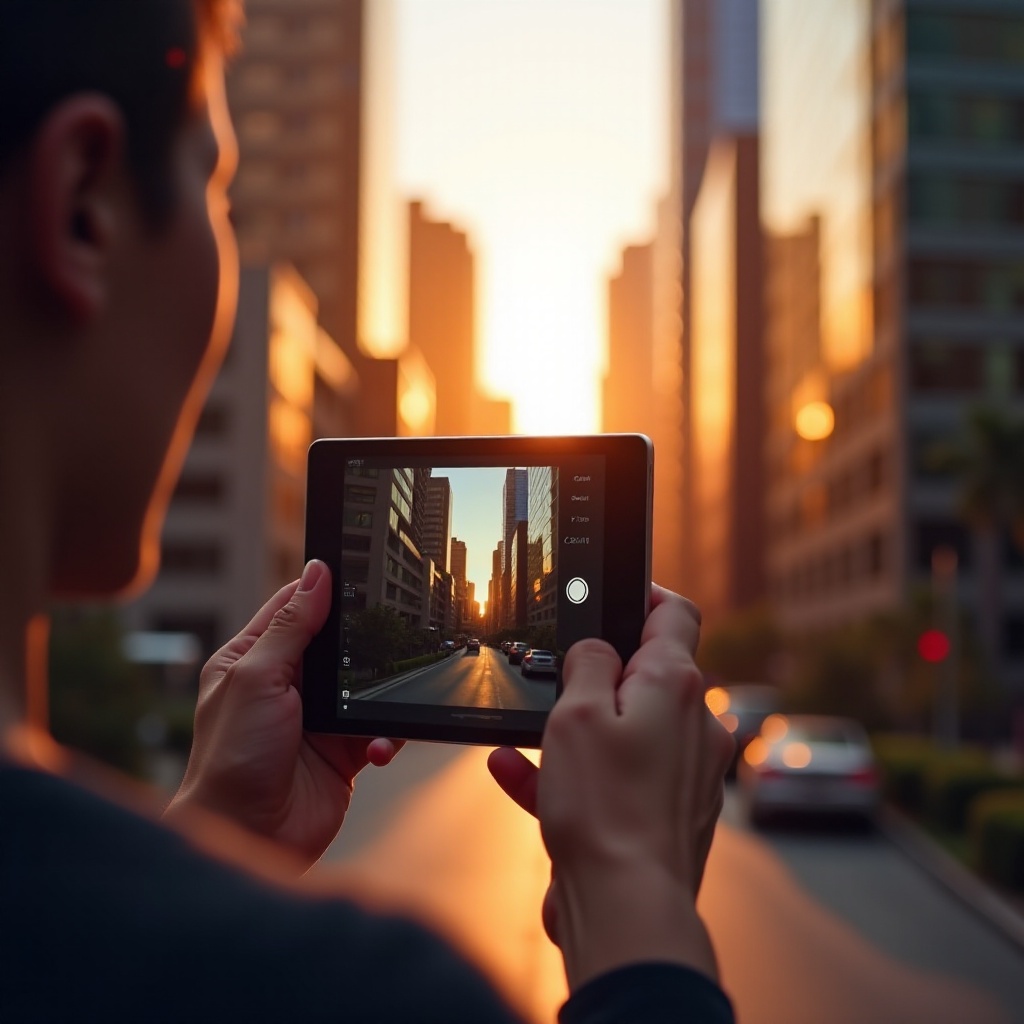
To make the most of your device, it’s essential to familiarize yourself with its camera features. The latest iPad models boast high-resolution sensors, improved low-light performance, and robust video capabilities. For example, the iPad Pro comes with a dual-camera system and a LiDAR scanner, enhancing depth-sensing.
Understanding key features like camera modes, zoom, and live photos is crucial. Knowing when to use these features can significantly improve your photography, especially when combined with effective techniques.
Optimizing Your Camera Settings
Fine-tuning your camera settings is a critical step in capturing high-quality photos. Start by choosing your preferred resolution and format, such as JPEG for simplicity or HEIF for higher quality and smaller file sizes. Leverage advanced camera modes like HDR to capture more detail in challenging lighting conditions.
Another useful setting is the grid feature, which aids in composition by applying the rule of thirds. Experimenting with exposure settings can help you control the brightness and contrast of your shots. With these settings mastered, your photos will be more dynamic and well-exposed.
Photography Techniques for Capturing Great Photos
With optimized settings, focus on applying effective composition and lighting techniques. Consider these strategies:
- Composition and Framing: Use the rule of thirds to keep subjects in focus, and try different angles to add depth.
- Lighting: Utilize natural light and shoot during the golden hours for softer tones. Avoid harsh midday sunlight to prevent stark shadows.
- Capturing Motion: Burst mode captures fast-moving subjects by taking multiple shots quickly, ensuring you don’t miss key moments.
By employing these techniques, you enhance your image’s visual appeal and storytelling aspect.
Editing Photos on Your iPad
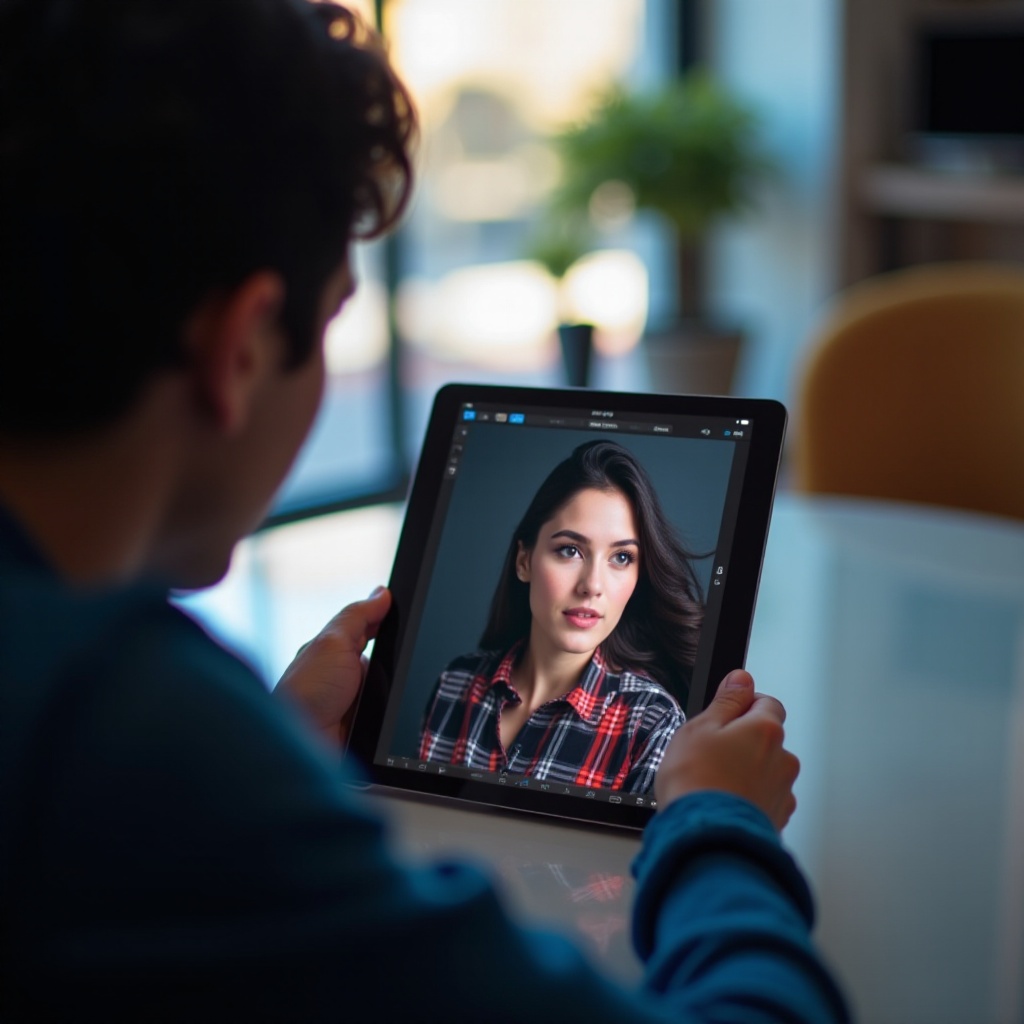
Editing is where you can unlock your creativity. The built-in Photos app offers basic adjustments like cropping, exposure, and color tweaks. For advanced editing, apps like Lightroom and Snapseed provide professional-level tools and transformative filters.
To maintain a natural appearance, apply edits subtly. Adjust settings gradually and review your work often to avoid over-editing. Consistent editing bolsters your photo’s narrative and enhances its appeal.
Leveraging Accessories and Enhancements
To elevate your photography further, consider integrating accessories. External lenses can offer wide-angle or macro capabilities for more creative shots. Tripods and stabilizers ensure sharp images, especially in low light or during video capture. Accessories not only improve quality but also inspire new creative avenues.
Troubleshooting Common Photography Challenges
Photography can present challenges, but solutions exist for many common issues. In low light, Night Mode and stability help prevent blurring. For blurry photos, check focus settings and adjust exposure to ensure clarity. By regularly reviewing and analyzing your photos, you can pinpoint persistent issues and address them with practice and refinement.
Addressing these potential challenges will boost your confidence and effectiveness in iPad photography.
Conclusion
With these strategies, you can transform your iPad photography. Continuous practice and experimentation are crucial. Share your photos with a community to gain feedback and discover new insights that inspire further growth.
Frequently Asked Questions
Can I take professional photos with an iPad?
Yes, with practice and by utilizing the right techniques and accessories, you can achieve professional-quality photos.
What are the best apps for editing iPad photos?
Some of the best apps include Lightroom, Snapseed, and VSCO, offering a range of tools for both basic and advanced editing.
How can I improve low-light photography on an iPad?
Utilize Night Mode, stabilize the camera, and adjust exposure settings to enhance low-light photos effectively.