
How to Charge Your PSP: A Comprehensive Guide
Introduction
The PlayStation Portable (PSP) remains a beloved classic among gaming aficionados. This handheld device offers the perfect blend of portable gaming with a touch of nostalgia. To keep your PSP ready for gameplay, maintaining its charge is critical. Understanding proper charging techniques not only enhances device performance but also extends battery life.
This guide dives deep into charging methods for your PSP, covering essential tips and troubleshooting advice. By the end, you’ll have a comprehensive understanding of keeping your device powered and ready.
Understanding Your PSP’s Charging Basics
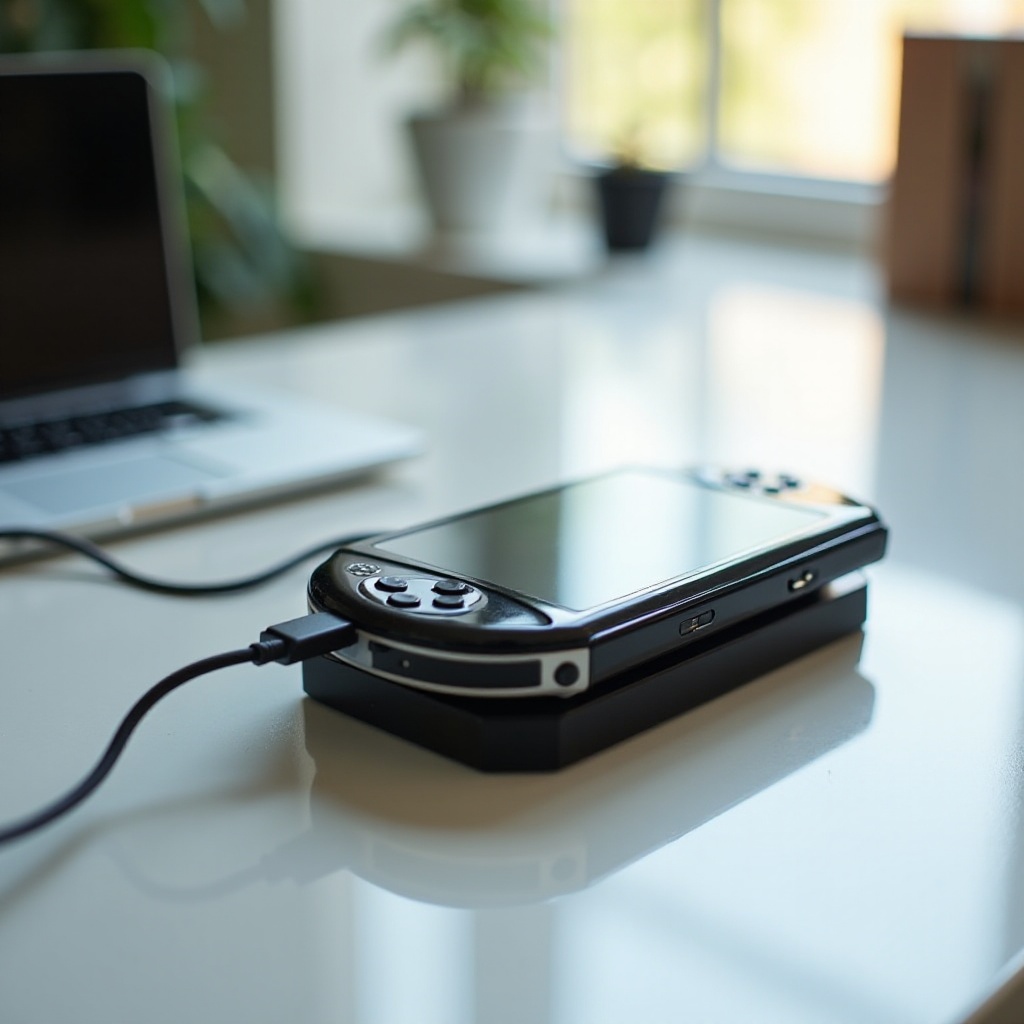
To effectively charge your PSP, grasping the basics of your particular model’s charging needs is vital. Different models, from the original 1000 series to the stylish 3000 and the PSP Go, each have distinct charging requirements. Typically, PSP chargers output around 5V with varying amperage. Using the correct charger specific to your PSP model is crucial to prevent damage and ensure efficient charging.
Knowing these specifications allows you to make informed choices when selecting a charger, safeguarding against potential overcharging or electrical faults. With a solid foundation in charging basics, you’re now ready to explore the various ways to keep your PSP charged.
Methods for Charging Your PSP
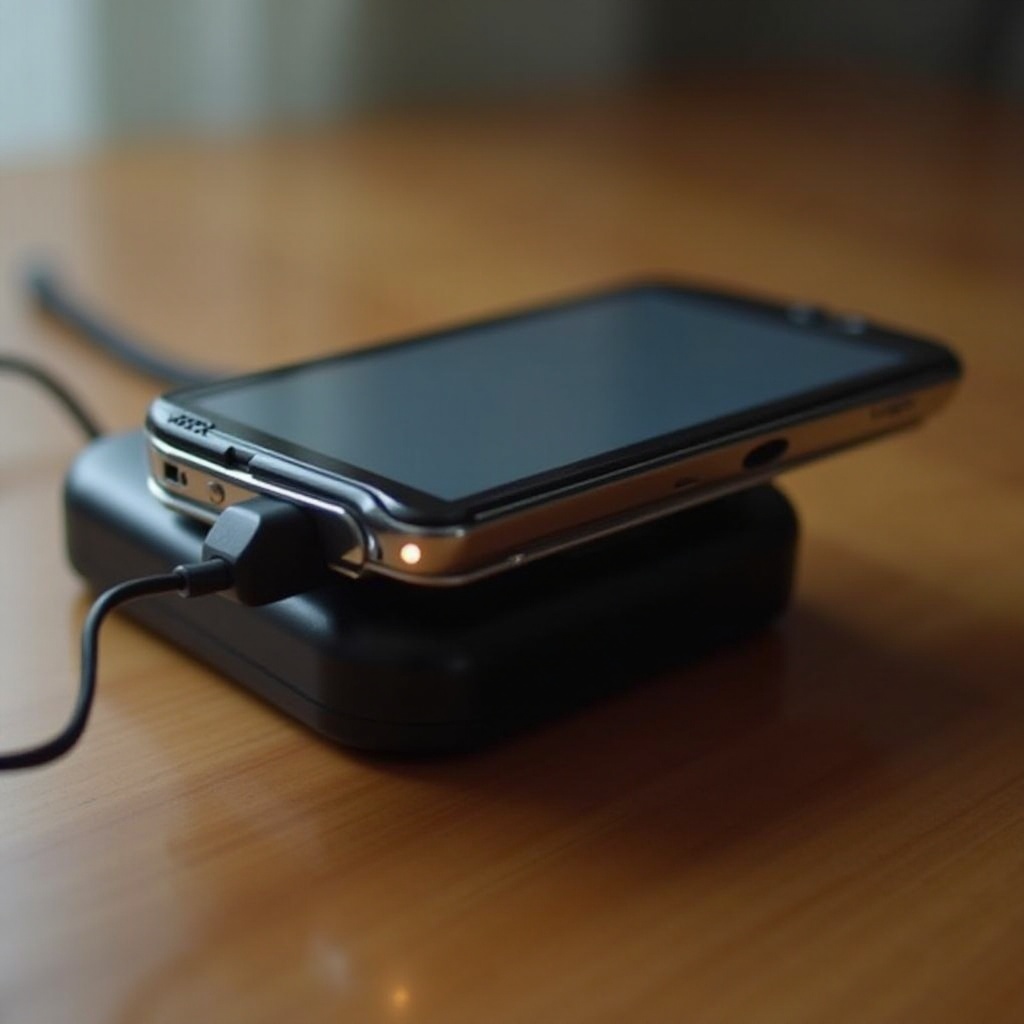
Charging your PSP can be achieved through several reliable methods, each catering to different situations:
-
Original PSP Charger: The safest and most reliable method. Plug the charger into a compatible power outlet for a straightforward charging solution.
-
USB Cable Charging: A flexible option when a wall outlet isn’t available. Connect your PSP to a computer or laptop using a USB cable, ensuring secure connections.
-
Alternative Charging Methods: For charging on the go, consider power banks. Ensure they match the PSP’s voltage and amperage. Moreover, solar chargers offer an eco-friendly but slower alternative.
Understanding these methods prepares you for uninterrupted gaming. In cases where charging doesn’t go as planned, troubleshooting common issues is the next step.
Troubleshooting Common Charging Issues
Charging issues can disrupt your gaming. Here’s how to troubleshoot common problems you might encounter:
-
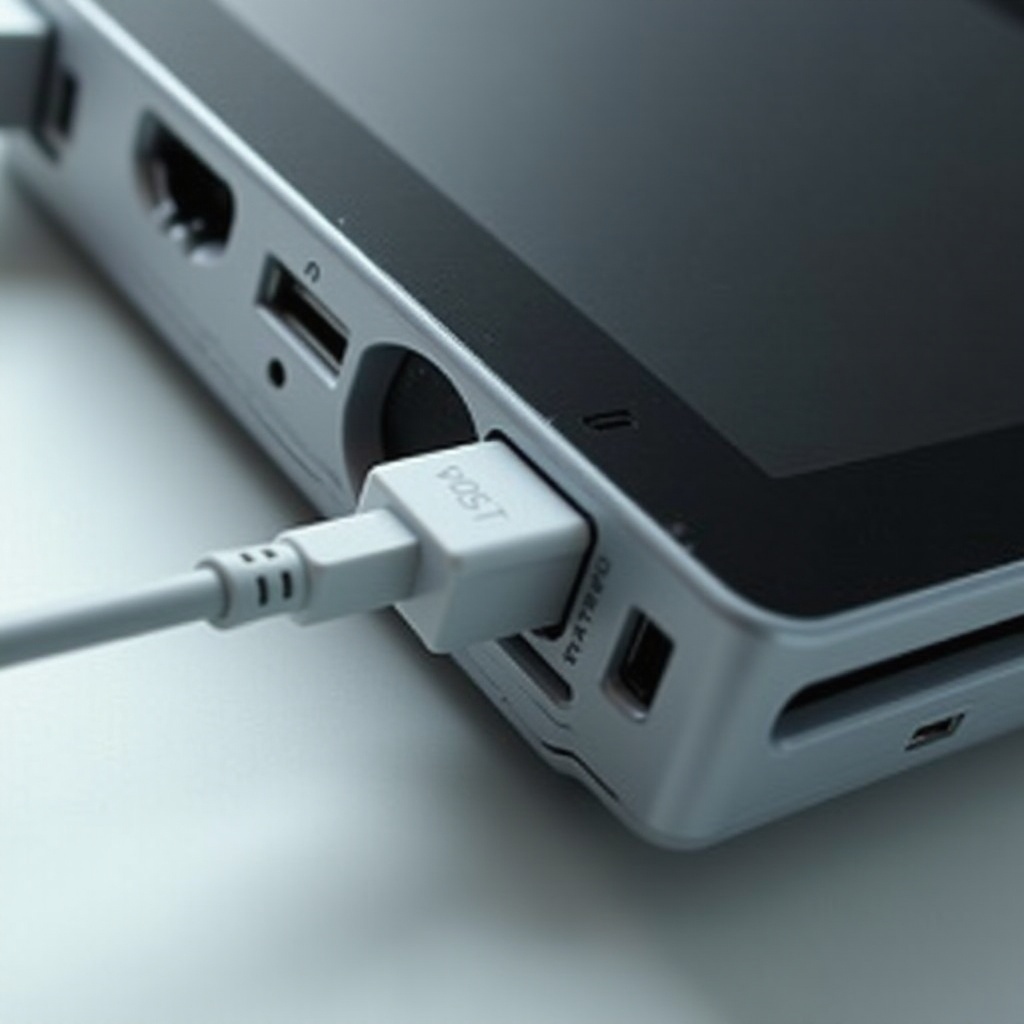
Not Charging: Inspect the charger and cable for visible damage and ensure all connections are secure.
-
Intermittent Charging: A loose connection could cause this. Firmly reinsert cables or try a different charger to confirm.
-
Battery Drains Quickly: If your battery doesn’t hold a charge, consider replacing it with a new one.
Addressing these issues promptly ensures your PSP continues to function optimally. With troubleshooting underway, it’s equally important to adopt practices for maintaining battery health.
Tips for Battery Care and Maintenance
To extend your PSP battery’s lifespan, adopt these best practices:
-
Charge Regularly: Avoid overcharging by unplugging once fully charged to prevent battery strain.
-
Proper Storage: Store your PSP with the battery at about 50% charge for extended periods to maintain battery health.
-
Avoid Heat Exposure: Excessive heat can degrade your battery. Keep your PSP in a cool, ventilated area during use and charging.
With proper care, your PSP’s battery will provide longer, more reliable performance. For those seeking enhanced charging efficiency, exploring advanced techniques might be valuable.
Advanced Charging Techniques
For tech-savvy gamers, advanced charging methods can optimize your experience:
-
Quick Charging Options: Use adapters designed for rapid charging to save time, ensuring they’re compatible with your PSP model to avoid any damage.
-
Simultaneous Charging: If you own multiple PSPs, use chargers with multiple USB outputs. Ensure total power output is adequate for all devices.
Armed with these insights, you can improve your charging routine and enhance your gaming experience.
Conclusion
Mastering the art of charging your PSP will ensure its longevity and optimal performance. From basic techniques to advanced methods, the steps outlined in this guide equip you with the knowledge to keep your device in prime condition. Share these strategies with other gamers to promote the longevity of PSP devices.
Frequently Asked Questions
How long does it take to fully charge a PSP?
Usually, a PSP takes about 2 to 3 hours to fully charge with the original charger, though this can vary with battery condition.
Can I use a third-party charger for my PSP?
Yes, third-party chargers can be used as long as they meet the PSP’s voltage and amperage specifications to avoid damage.
What should I do if my PSP still won’t charge after trying the suggested solutions?
If the PSP remains uncharged after troubleshooting, consider professional battery testing or contacting Sony support for additional guidance.