
Solving the Nest Thermostat Flashing Red Issue: A Comprehensive Guide
Introduction
The Nest Thermostat has become an integral component of smart homes, renowned for its convenience and energy efficiency. A flashing red light on your device, however, can be alarming by signaling that immediate attention is required. This guide covers the potential causes and provides practical troubleshooting steps to resolve this issue, ensuring a seamless experience.
Understanding the Flashing Red Light
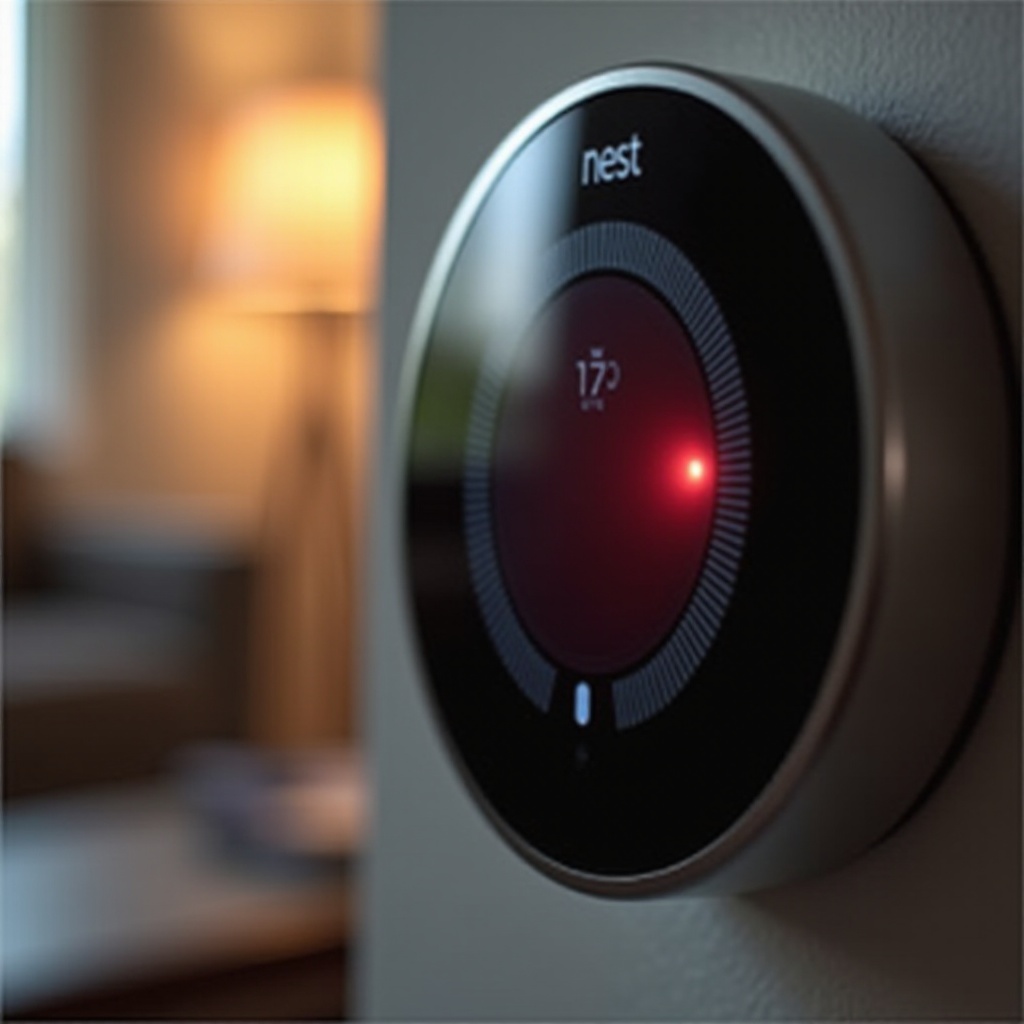
When you see a flashing red light on your Nest Thermostat, it typically indicates a power issue. This alert usually means the thermostat’s battery is low and needs charging. Alternatively, it might signal a problem with the power supply from the HVAC system. Understanding these alerts is essential for effective troubleshooting and ensures you are prepared for the steps that follow.
Basic Troubleshooting Steps
Before moving into more technical solutions, start with these foundational troubleshooting steps:
1. Check the Power: Ensure the thermostat is securely mounted to its base and that all circuit breakers are in the correct position.
2. Inspect Connections: Make sure all wiring is securely connected, as loose wires can disrupt power.
3. Verify Wi-Fi Connection: Confirm that your device is still connected to your home’s Wi-Fi network since power issues may cause temporary disconnections.
Addressing these basic checks helps pinpoint simpler fixes and better prepares you for deeper investigations if the issue continues.
Solving Power-Related Problems
Power-related problems often cause a flashing red light on the Nest Thermostat. Let’s delve into these issues:
– Importance of the C-wire: The C-wire, or common wire, provides continuous power to your thermostat. Check its installation and functionality. If your system lacks a C-wire, you might need a plug-in power adapter or professional installation.
– Check External Power Sources: Verify the HVAC system’s power source. Make sure all relevant switches are on and that no power surges have affected the thermostat.
Resolving power supply issues is crucial to restore functionality. Should these efforts not resolve the problem, consider exploring potential software issues next.
Addressing Software Issues
In certain cases, the flashing red light might be due to software glitches rather than hardware problems. Here are some steps to tackle them:
– Update Firmware: Make sure your Nest Thermostat’s firmware is current. Updates often provide critical bug fixes.
– Resetting the Device: If software issues persist, consider a factory reset. To do this, press the thermostat’s ring, navigate to ‘Settings,’ select ‘Reset,’ and choose ‘Factory Reset.
Addressing these software solutions can often clear up persistent problems. If the issue remains unresolved, it might be time to consider professional support.
When to Call a Professional
In some scenarios, it’s advisable to seek professional help:
– Complex HVAC Problems: If your HVAC system fails to provide a stable power supply, professionals can ensure correct configuration and operation.
– Persistent Red Light: If the red light persists after all troubleshooting efforts, professional inspection may prevent further damage.
Professional intervention becomes a necessary step when all DIY approaches fail to resolve the problem, ensuring your system’s integrity is maintained.
Preventive Measures for Avoiding Future Issues
Once your Nest Thermostat is functioning properly again, consider these preventive strategies to avert future disruptions:
– Regular Maintenance: Schedule regular HVAC system check-ups to ensure that all components are in optimal condition.
– Use the App: Leverage the Nest app’s capabilities to remotely monitor the thermostat and set reminders for updates and maintenance.
Proactive maintenance helps sustain peak performance and can extend your smart device’s lifespan.
Conclusion
By meticulously following this guide, you can address the flashing red light issue on your Nest Thermostat effectively. From power verification to software updates and understanding when professional intervention is warranted, these comprehensive steps ensure your smart thermostat returns to excellent operation. Maintain your smart home devices for long-term energy efficiency and convenience.
Frequently Asked Questions
Why is my Nest Thermostat flashing red even after a reset?
After a reset, a red flashing light may persist if a power issue, such as inadequate supply or an HVAC fault, exists.
How can I check if my Nest Thermostat is installed correctly?
Ensure proper installation by checking the thermostat’s attachment to its base, securing wire connections, and confirming power from the HVAC system.
What should I do if the red light persists despite troubleshooting?
If troubleshooting doesn’t resolve the issue, contact a professional to inspect both the Nest Thermostat and HVAC system for deeper issues.