
How to Tell if Your Nintendo Switch is an OLED Model
Introduction
Uncovering whether your Nintendo Switch is the OLED model can enhance your gaming experience with its superior display. This guide will walk you through the steps to easily identify if your console features the advanced OLED screen, ensuring you make the most of its visual and performance upgrades.
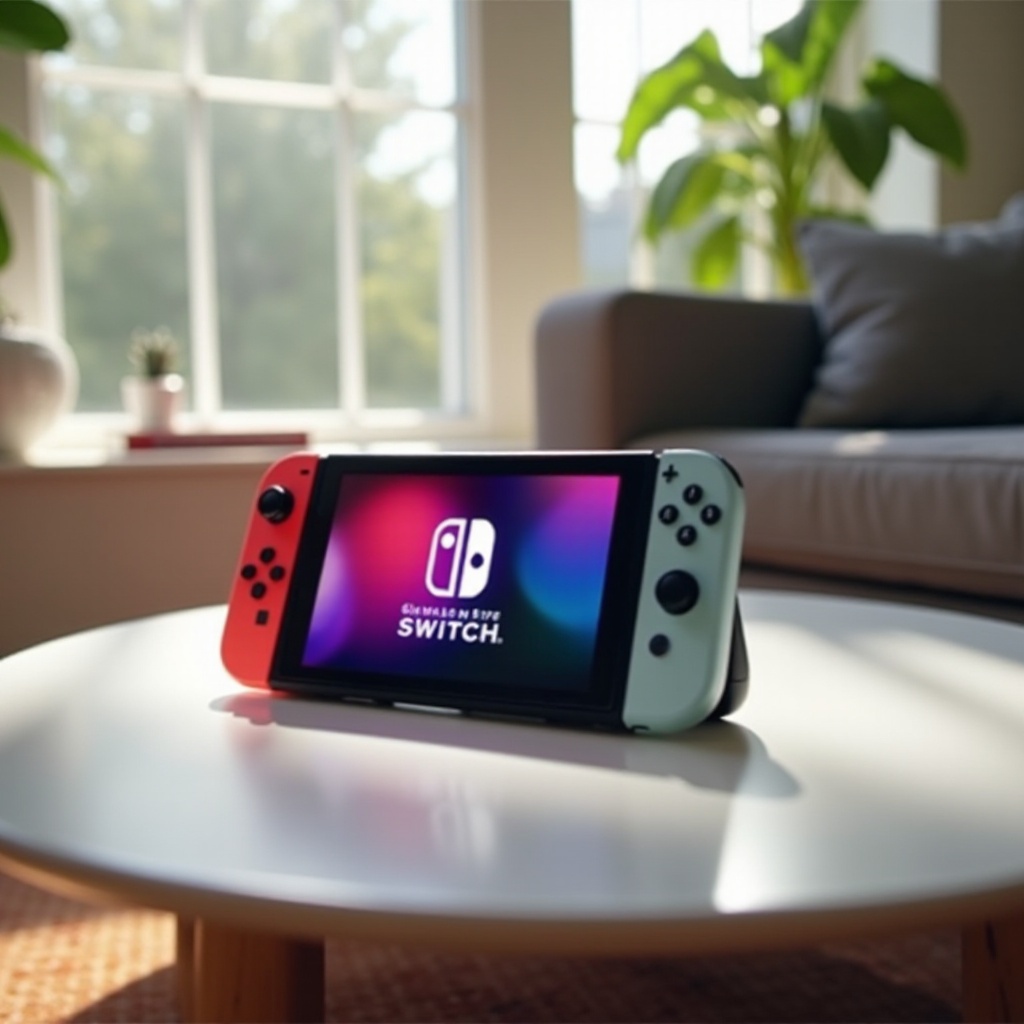
Understanding the Differences Between Switch Models
The Nintendo Switch lineup includes several models, each with unique features. Recognizing these differences is key to determining which model you own.
Overview of Nintendo Switch Varieties
The iconic Original Switch, released in 2017, comes with a 6.2-inch LCD screen and the classic neon Joy-Con controllers. The Switch Lite, a more portable version, loses the dock feature in favor of a compact design. The newly introduced Switch OLED features significant enhancements, particularly in display and build quality.
Key Features of the OLED Model
The OLED Switch distinguishes itself with a vibrant 7-inch screen and significantly reduced bezels. A wider kickstand adds stability, while aesthetics are elevated with all-white or classic neon Joy-Con options, setting it apart from previous iterations.
Next, we explore the console’s physical characteristics for further verification.
Physical Characteristics of the OLED Model
Examining physical traits provides another method to identify the OLED model.
Screen Size and Bezel Differences
The OLED model boasts a larger 7-inch screen that enhances image quality with richer colors and deeper contrasts. Its reduced bezel design contributes to a sleeker appearance compared to earlier models.
Unique Body Colors and Design Elements
The availability of unique color options, such as all-white Joy-Cons, and a sturdier kickstand offer visual cues. These elements aid in distinguishing the OLED Switch from its predecessors.
Having identified these physical aspects, checking the system’s software settings provides additional confirmation.
Checking Software and System Settings
Your console’s software can reveal critical details about its model.
Navigating System Settings for Display Information
Power on your device and head to ‘System Settings.’ Under ‘System,’ display-specific firmware and model identifiers that relate to OLED technology can be found, giving clear evidence of your console type.
Identifying Model Numbers and Serial Information
Identifying the model number on the console or its original packaging further aids verification. The OLED version uses identifiers like HAC-001(-01), especially evident in models released from 2021 onwards.
Armed with this knowledge, let’s consider the distinct advantages of owning an OLED model.
Advantages of the OLED Model
There are compelling reasons to prefer the OLED version, highlighted by its unmatched performance enhancements.
Display Quality and Visual Enhancements
OLED technology is renowned for delivering visuals with exceptional vibrancy and clarity. Gamers enjoy more immersive play with enhanced color accuracy, benefitting the overall gaming journey.
Battery Life and Audio Improvements
Beyond visuals, OLED screen efficiency contributes to longer battery life. Enhanced stereo sound through inbuilt speakers boosts the auditory experience, especially vital during handheld gaming.
Moving forward, understanding how to maintain and enhance your OLED Switch ensures longevity and optimal enjoyment.
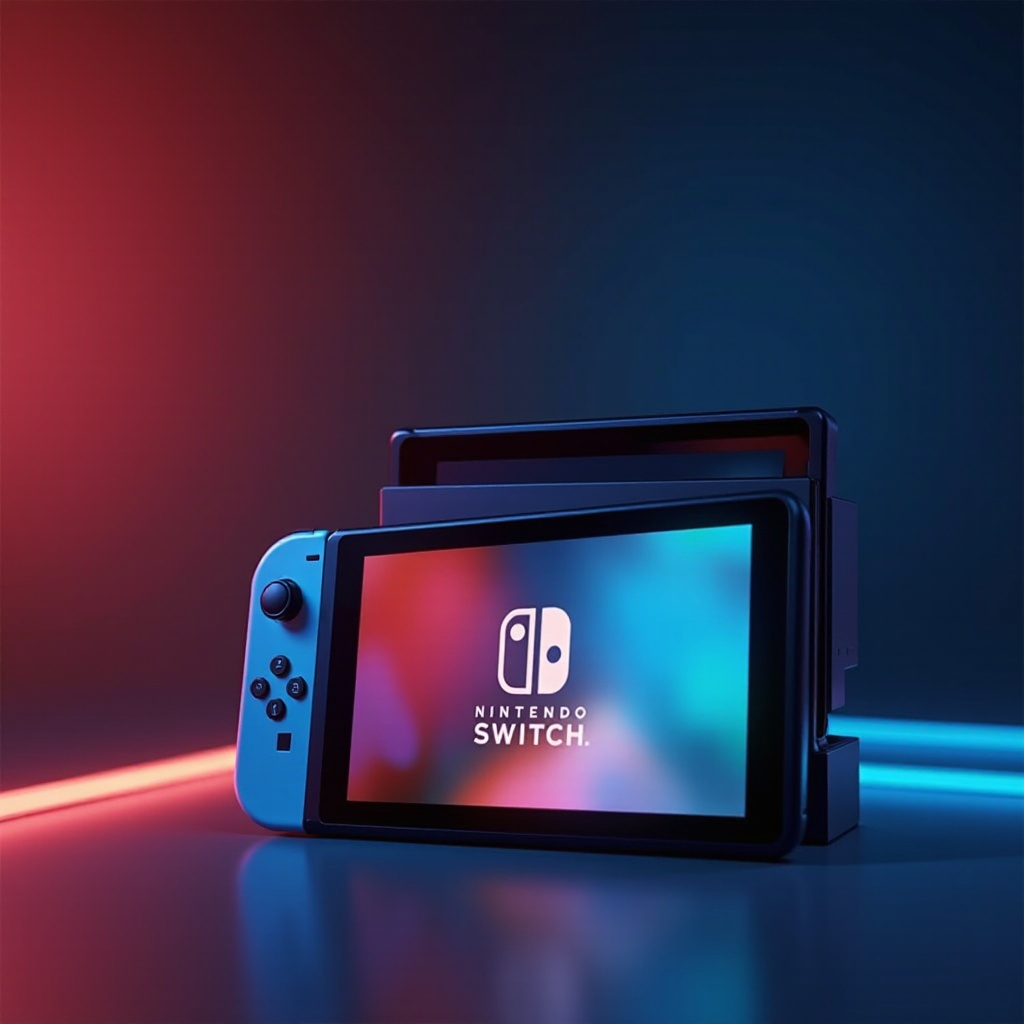
How to Make the Most of Your OLED Switch
Proper care and smart accessory choices maximize your OLED Switch’s potential.
Best Practices for Care and Maintenance
Maintain screen brilliance with gentle cleaning using microfiber cloths and avoid harsh cleaning solutions. Regular software updates keep the device functioning effectively, safeguarding against glitches.
Recommended Accessories for Enhanced Gaming
Invest in accessories like screen protectors and robust carrying cases designed for enhanced durability. Quality headphones and professional-grade controllers also elevate the gaming experience.
Conclusion
Understanding whether your Nintendo Switch is an OLED model is straightforward with these insights. Recognizing physical and software features assures you leverage all the technological advancements, enriching your overall gaming adventure.
Frequently Asked Questions
How can I confirm my Nintendo Switch is the OLED version?
Check screen size and design elements, and verify through system settings and model numbers.
What are the main benefits of upgrading to an OLED Switch?
The OLED Switch offers a superior display, enhanced audio, and longer battery life.
How does the OLED model impact gameplay experience?
It enriches visuals and audio, creating a more immersive and engaging gaming experience.