
Troubleshooting Your Vizio TV: What to Do When the White Light Blinks 3 Times
Introduction
Vizio TVs offer exceptional quality and ease of use, yet like any electronic device, they can encounter technical difficulties. One common issue is when the TV’s white light blinks three times, signifying a problem that needs immediate attention. Dealing with these blink codes quickly helps prevent further complications and ensures your television stays in working order.
Understanding Vizio TV Blink Codes
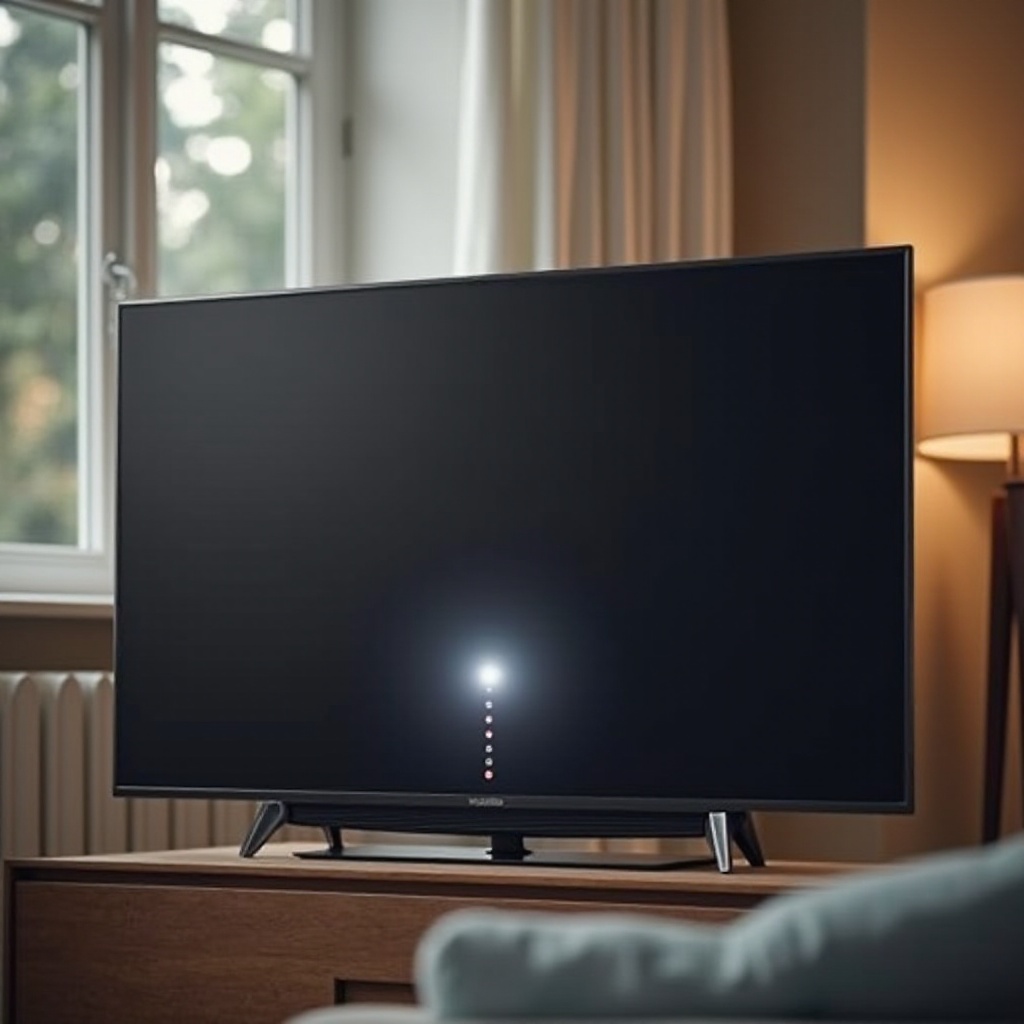
Vizio TVs use blink codes as a way to convey what might be going wrong internally. Each specific blink pattern can hint at a different problem. The sequence of three blinks is particularly indicative of complications during the TV’s startup process. Getting to grips with these codes not only aids in diagnosis but also empowers you to either troubleshoot or know when to call in expert help.
Immediate Steps to Take
When confronted with the blinking issue, start with these straightforward actions:
- Power Cycle the TV:
- Disconnect the TV from the wall outlet.
- Wait a minute or two before reconnecting it.
-
Turn the TV back on to see if the problem is resolved.
-
Check Connections and Cables:
- Make sure all HDMI and power cords are securely connected.
-
Replace any damaged or exposed wires.
-
Perform a Soft Reset:
- Use the reset button located on the TV or remote control.
- Hold it down for approximately ten seconds to reboot the system.
Following these immediate steps will help you determine if the issue is a simple oversight or requires more in-depth troubleshooting.
Common Causes of the 3-Blink Issue
Finding the underlying reasons for the three blinks can lead to effective solutions:
- Hardware Malfunctions:
-
Internal component failures can disrupt the startup, often due to overheating or wear and tear.
-
Software Glitches:
-
Bugs or corrupted files within the software might block proper operation.
-
Power Supply Issues:
- Irregular power supply or faulty internal power sources can prevent the TV from functioning correctly.
Understanding these causes helps pinpoint the nature of the issue, enabling more efficient troubleshooting steps.
Firmware and Software Checks
Regularly updating your Vizio TV’s firmware and software can alleviate many potential problems:
-
Firmware Updates: Periodically check the settings menu on your TV for available firmware updates. These updates can fix known bugs and improve the device’s performance.
-
Software Maintenance: Keep the TV’s software current to prevent glitches. Updated software ensures compatibility with modern devices and streaming services, minimizing operational problems.
Keeping your TV’s software and firmware updated plays a crucial role in its overall health and longevity.
Long-term Preventive Maintenance
To minimize the risk of future problems, implementing some preventive maintenance measures is crucial:
-
Regular Cleaning and Ventilation: Dust accumulation can cause your TV to overheat. Clean the TV gently with a soft cloth, and ensure it’s placed where air can circulate freely.
-
Avoiding Power Surges: Invest in surge protectors to shield your TV from unexpected power spikes that could damage its internal systems.
-
Ensuring Proper Set-Up and Usage: Follow the recommended setup practices and handle cables carefully to maintain equipment integrity.
By applying these maintenance practices, you help ensure the long-term functionality of your Vizio TV.
When to Seek Professional Help
If the blinking persists despite your best troubleshooting efforts, it may indicate a more complex issue requiring professional intervention. Consider reaching out to Vizio support or a qualified technician. Be sure to verify if your TV is still under warranty, as this might cover the cost of repairs.
Conclusion
Effectively troubleshooting the three-blink issue on your Vizio TV involves a methodical approach to identify and fix potential problems. By following key troubleshooting steps and maintaining proper upkeep, you can enjoy a seamless viewing experience and prolong the lifespan of your TV. Remember, when in doubt, professional assistance can prevent further complications.
Frequently Asked Questions
What does it mean when my Vizio TV blinks 3 times?
This pattern usually indicates a startup issue, which can be related to hardware, software, or power supply problems.
How can I update my Vizio TV firmware?
You can update the firmware by accessing the settings menu on your TV and checking for available updates to download and install.
Is a 3-blink issue covered under Vizio warranty?
Warranty coverage varies, but if your TV is still under warranty, the repair for this issue may be covered.