
Understanding and Resolving PS4 Error Code CE-36329-3
Introduction
PS4 Error Code CE-36329-3 can halt your gaming abruptly, signaling an issue with the system software. It’s not just an inconvenience; if left unchecked, it may lead to more extensive problems. This comprehensive guide aims to dissect the causes and provide effective solutions to restore your console’s performance, helping you get back to your gaming adventures quickly.
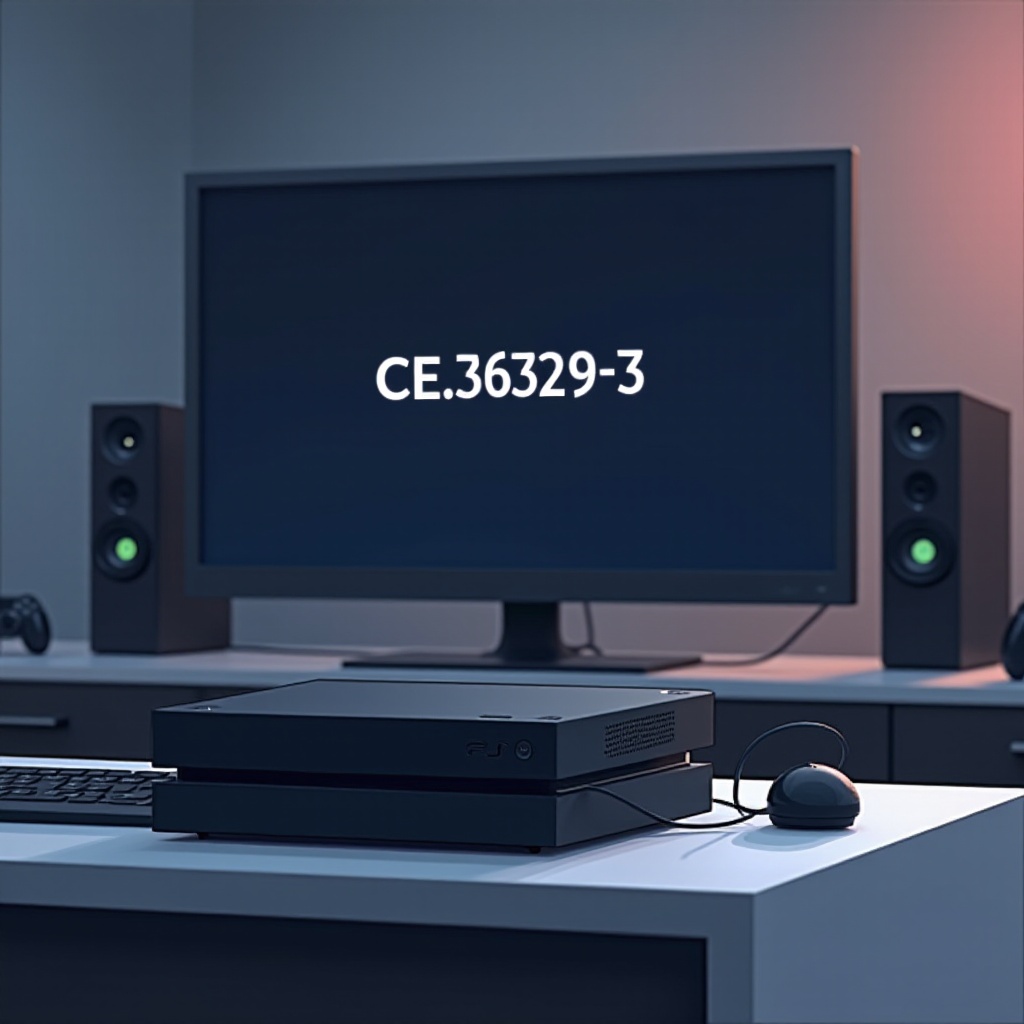
What is PS4 Error Code CE-36329-3?
This error code emerges when your PS4 encounters an unexpected software glitch. Typically, it deals with a disruption in the system software, often due to corrupted data or incomplete updates. When your console is unable to properly read its data or execute updates, it throws this error as an alert to the user, prompting action to ensure the console’s longevity and functionality.
Common Causes of the Error Code CE-36329-3
Let’s explore why your PS4 might throw this error:
- Corrupted System Software: If the system software update is interrupted or corrupted, it can lead to this error.
- Hardware Malfunctions: An internal component failure might affect system stability.
- Data Corruption: This could involve game data or system files that have become unreadable.
- External Factors: Power surges and improper shutdowns disrupt software functions.
Understanding these causes is crucial as we move into troubleshooting, allowing for a targeted method to resolve the issue effectively.

Troubleshooting Steps for PS4 Error Code CE-36329-3
Resolving this error can often be achieved with some straightforward techniques:
- Restart Your Console:
- Completely shut down your PS4 by holding the power button.
-
Disconnect the power cable, wait half a minute, then reconnect and start the console.
-
Check for System Software Updates:
- Ensure a stable internet connection.
-
Go to Settings > System Software Update and follow any on-screen instructions.
-
Rebuild the PS4 Database:
- Turn off your PS4. Hold the power button until the second beep.
-
Connect a controller with USB in Safe Mode and select ‘Rebuild Database.
-
Utilize Safe Mode:
- Boot your PS4 in Safe Mode.
- Explore options like ‘Restore Default Settings’ to correct potential internal issues.
These steps will resolve most software-related interruptions. However, if the error persists, further action may be needed.
Advanced Solutions for Persistent Issues
If simple steps fail, consider these advanced solutions:
- Initialize the PS4:
-
Go to Settings > Initialization, but make sure to back up important data.
-
Reinstall System Software:
- Secure a USB drive formatted with FAT32.
- Download the latest system software from the PlayStation site.
- Boot the console in Safe Mode and choose ‘Initialize PS4 (Reinstall System Software).
Remember that advanced procedures involve reinstallation, possibly deleting your data, hence backups are vital. Let’s see when you might need professional help if these do not solve the issue.
When to Seek Professional Help
Sometimes, extensive troubleshooting might not work due to severe hardware issues. If all else fails, or you’re unable to identify the problem, contacting Sony support or visiting an authorized service center may be your best bet. They have the tools and expertise to examine your PS4 thoroughly, ensuring any underlying issues are professionally addressed.
Preventive Measures for Future Errors
Avoiding future interruptions involves proactive measures:
- Regularly back up saved data using external storage devices.
- Ensure a stable and uninterrupted power supply.
- Promptly install system updates to protect against vulnerabilities.
These practices promote a longer lifetime for your console and a smoother gaming session, minimizing the recurrence of similar errors.
Conclusion
By following this guide, you should be well-equipped to tackle PS4 Error Code CE-36329-3. Understanding its dynamics and applying the right solutions ensures that your console remains a reliable partner in your gaming journeys. Active maintenance and timely troubleshooting empower you to prevent unexpected interruptions, allowing for seamless entertainment.
Frequently Asked Questions
What does PS4 Error Code CE-36329-3 indicate?
This error indicates a general system software issue, often due to data corruption or incomplete updates.
Can I fix error code CE-36329-3 on my own?
Yes, by following troubleshooting steps like system updates or database rebuilding, many errors can be resolved independently.
How can I prevent PS4 errors in the future?
Regular backups, stable power supply, and timely installation of updates can help prevent such errors.