
How to Fix Xbox One Controller Joystick Drift
Introduction
Joystick drift can turn an exciting gaming session into a frustrating ordeal. Often, players find their characters moving without any input, disrupting gameplay. This widespread issue stems from various causes, but fortunately, several solutions can restore your controller’s performance and enhance your gaming experience. In this guide, we will explore the common reasons behind joystick drift and provide detailed steps to fix it effectively.
Understanding Joystick Drift
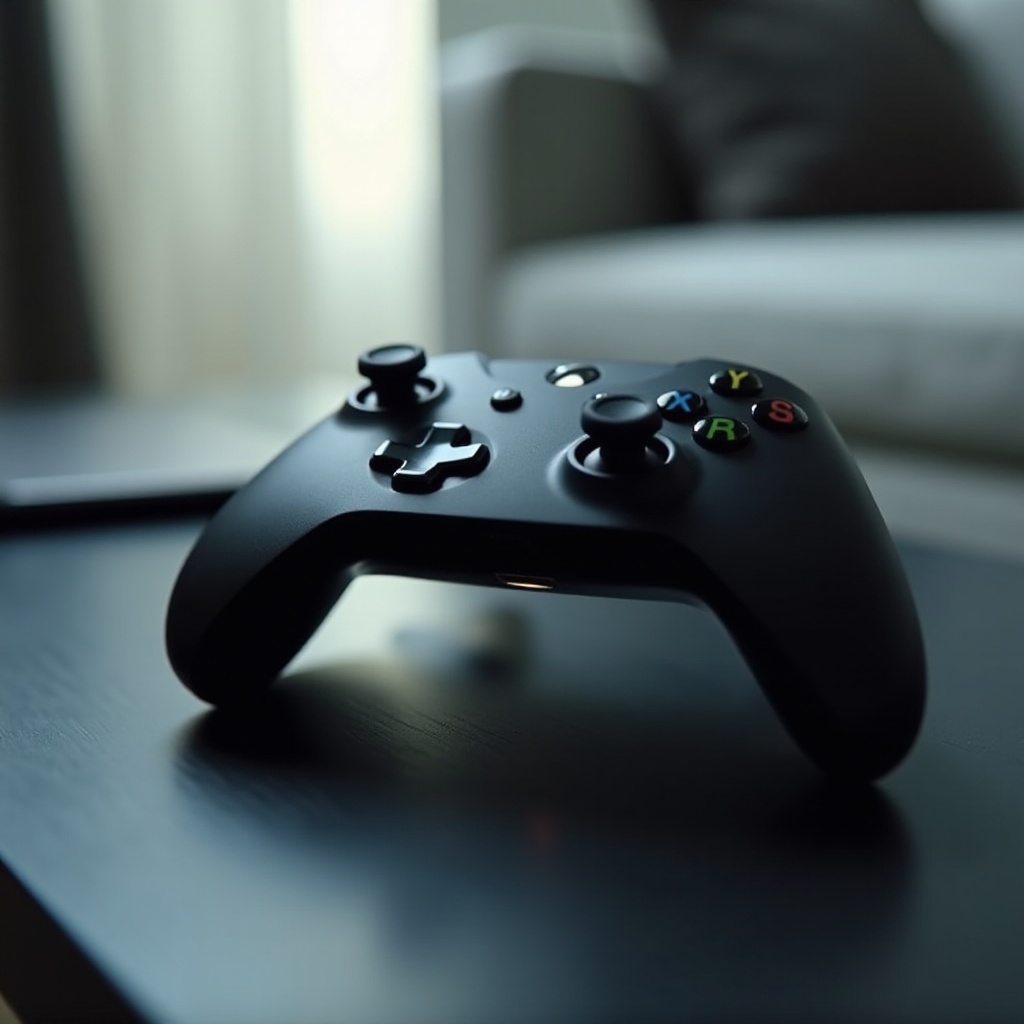
Joystick drift refers to the phenomenon where the controller perceives movement even when the joystick is stationary. This issue leads to unwanted character or camera movements during gameplay. If you’ve noticed this behavior without touching your joystick, you’ve likely experienced drift. Understanding this is crucial as it lays the foundation for identifying and implementing solutions.
Common Causes of Joystick Drift
Various factors contribute to joystick drift on an Xbox One controller:
- Wear and Tear: Over time, the sensors within your joystick may wear down, leading to inaccurate readings and drift.
- Dust and Debris Build-up: Accumulated particles can interfere with internal sensors, causing drift.
- Malfunction of Internal Components: Internal components can become misaligned, damaged, or worn out, resulting in drift issues.
Recognizing these potential causes is important as different problems may require distinct solutions. Understanding whether it’s simple dust build-up or a more complex component issue will guide your next steps.
DIY Fixes for Joystick Drift
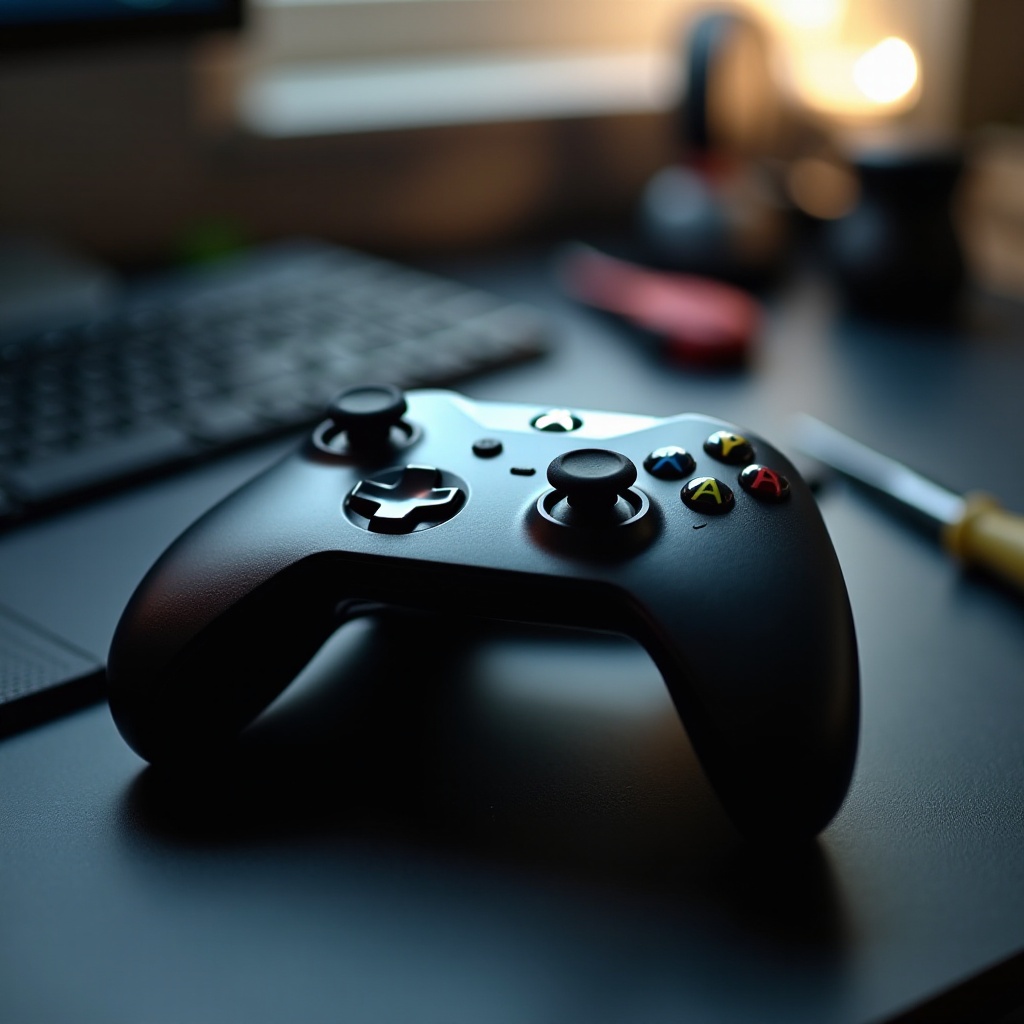
Before seeking professional repairs, consider trying these do-it-yourself solutions:
- Cleaning the Joystick:
- Use a clean, dry cloth or an alcohol wipe to gently clean around the joystick.
- Employ a small air canister to blow away any debris underneath the joystick.
-
If comfortable, safely open the controller for a more thorough cleaning. Work on a smooth, tidy surface and remember the order of the parts.
-
Calibrating the Controller Settings:
- Navigate to the Xbox settings menu and access controller options.
- Follow the on-screen instructions to recalibrate your joystick settings.
These straightforward steps often resolve minor drift issues but require caution and care, especially when handling internal components.
Advanced Repair Techniques
If basic measures don’t solve the problem, these advanced techniques may help:
- Joystick Drift Correction Software: Third-party software can assist in re-mapping the joystick’s zero-point for accurate readings.
- Third-Party Repair Kits: You can purchase repair kits with replacement parts and tools online for those confident in making minor repairs. These kits typically come with detailed instructions.
These advanced solutions are generally suitable for persistent problems unresolved by simpler fixes but demand precision and some mechanical skills.

When Professional Repair is Necessary
If basic and advanced remedies fail, professional repair may be necessary, especially when:
– Significant damage is evident.
– Repeated DIY attempts have failed.
Consider contacting Microsoft support or a trusted local repair service. Evaluating the repair costs compared to buying a new controller is wise, particularly if you have a warranty.
Preventive Measures
Preventing joystick drift saves time and money. Here are some strategies:
– Store your controller in a clean, dry place.
– Use protective covers to shield it from dust and debris.
– Regularly clean the joystick to prevent particle build-up.
Following these preventive tips can maintain your controller’s performance and reduce the risk of drift.
Conclusion
In conclusion, several effective strategies are available to address Xbox One controller joystick drift. From basic cleaning to advanced repair techniques, you have options to ensure seamless gaming. By applying these solutions and taking preventative measures, you can enjoy uninterrupted gameplay and extend the life of your controller.
Frequently Asked Questions
What causes joystick drift on an Xbox One controller?
Joystick drift is primarily caused by wear and tear, dust and debris accumulation, or malfunction of internal components.
Can I fix joystick drift myself?
Yes, try simple fixes like cleaning and recalibrating the controller. Severe issues may require advanced techniques or professional repair.
How can I prevent joystick drift in the future?
Preventive measures include regular cleaning, proper storage, and using protective covers to keep the controller free of dust and debris.