
Do Switch Games Save to the Cartridge? Understanding Nintendo Switch Save Data Storage
Introduction
The Nintendo Switch stands as a remarkable innovation in the gaming industry, offering a hybrid console experience like no other. Many players invest significant time mastering games, hence understanding how these games store saves is critical. So, do Switch games save to the cartridge, or do they utilize another method? We’ll uncover the truth behind Nintendo Switch’s save data process to help you keep your game progress safe.
How Save Data is Stored on Nintendo Switch
Navigating your game library on the Nintendo Switch requires insights into where and how your game data is stored. Getting familiar with this can safeguard your progress and optimize the gaming experience.
-
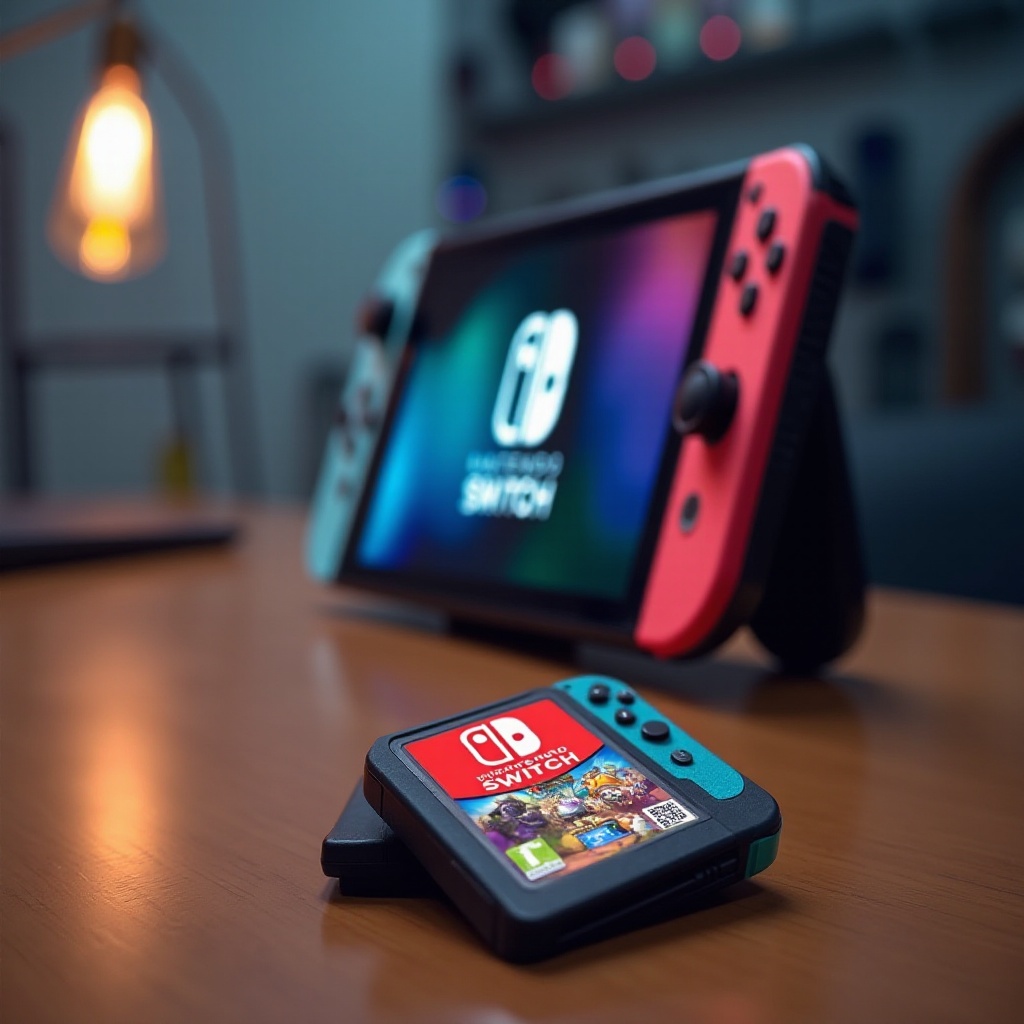
Distinction Between Physical and Digital Copies: Players enjoy both physical and digital games on the Switch. For physical versions, game data is loaded from cartridges, yet the saved progress isn’t kept there. Instead, every save – regardless of the physical or digital nature of the game – resides in the console’s internal memory, ensuring your adventure is kept intact.
-
Internal Memory vs. External Options: The Switch’s internal memory is the centerpiece for all save data. However, storage capacity can be enhanced using a MicroSD card, granting players more agility over game files. Note that while the SD card expands usable space, it does not house save data.
Being equipped with this knowledge helps streamline your gaming activities, letting you focus on adventures rather than data management.
The Myth of Cartridge Save Data
A lingering misconception persists that game cartridges also store your progress. While this might’ve been true for older gaming systems, it’s not the case for modern consoles like the Switch.
-
Why Switch Games Don’t Save to Cartridges: Cartridges are crafted for fast access to game data preventing any rewrites, ensuring no alteration occurs to the original game files stored on them. Thus, your save data always finds its place within the console’s internal storage or the cloud when used.
-
Technical and Historical Context: Historically, games like those on NES or SNES had battery-supported cartridges for saves. However, the evolution towards internal memory with the Nintendo Switch is meant to heighten data protection and loading speed, establishing a safer gaming environment.
Understanding these historical shifts illuminates why newer systems prioritize internal storage and cloud capability, ensuring player data security.
Effective Save Data Management
To keep your game progress secure, effective save data management is essential. Players should take proactive steps to maintain access to their accomplishments.
- Utilizing System and Cloud Storage: Regularly monitoring your system’s storage space is crucial. For heightened security, the Nintendo Switch Online cloud service allows for seamless save data backups. Enrolling ensures your game data remains retrievable, even if the console encounters unforeseen issues. Key steps include:
- Keeping the system software updated.
- Regularly freeing up space by deleting unused data.
-
Using cloud services for automatic backups.
-
Best Practices for Safeguarding Your Data: Besides systematic backups, consider a MicroSD card to enhance data capacity. Regularly check for software updates as this ensures your system is equipped with the latest protections.
Implementing these strategies will bolster your gaming environment, reducing risks linked to data loss or system challenges.
Benefits and Challenges of Nintendo Switch Save System
The storage system used by the Nintendo Switch offers both advantageous features and some challenges that players should be aware of.
-
Advantages of the Current Setup: Centrally saving game progress to the system’s internal memory reduces load times and enhances overall gaming performance. In combination with cloud backup services, it provides security against data loss due to hardware malfunction or loss of the console.
-
Common Gamer Concerns: Despite these advantages, some users face challenges such as the limited capacity of the internal storage and the additional cost associated with cloud backup subscriptions. Addressing these areas can further enhance user satisfaction.
Understanding both sides of the coin empowers users to make informed decisions about protecting their gaming experiences.
Conclusion
In conclusion, save data for Nintendo Switch games is stored within the console itself, not on the game cartridges. Embracing both internal memory and cloud options available through Nintendo’s online service is essential for preserving gaming progress. This proactive approach ensures that your game journey is secure, allowing you to concentrate on enjoying what the Switch has to offer.
Frequently Asked Questions
Are there any Nintendo Switch games that save to the cartridge?
No, all Nintendo Switch games store progress in the console’s internal memory. Cartridges only contain the game data for access.
How can I backup my Nintendo Switch save data?
To backup your save data, subscribe to Nintendo Switch Online for cloud storage. This service can automatically save your progress.
What happens to my save data if I lose my physical game cartridge?
Losing the cartridge won’t affect your save data as it’s stored on the console’s internal memory or in the cloud if you have it set up.